ToGoBOX:
Revamp USA Food-tech Start-up Website
Year

2021

overview

Struggles to communicate through the brand's existing platform, I help ToGoBOX refresh the website's visual interface as well as enhance its browsing experience to better communicate brand and business narratives.

services

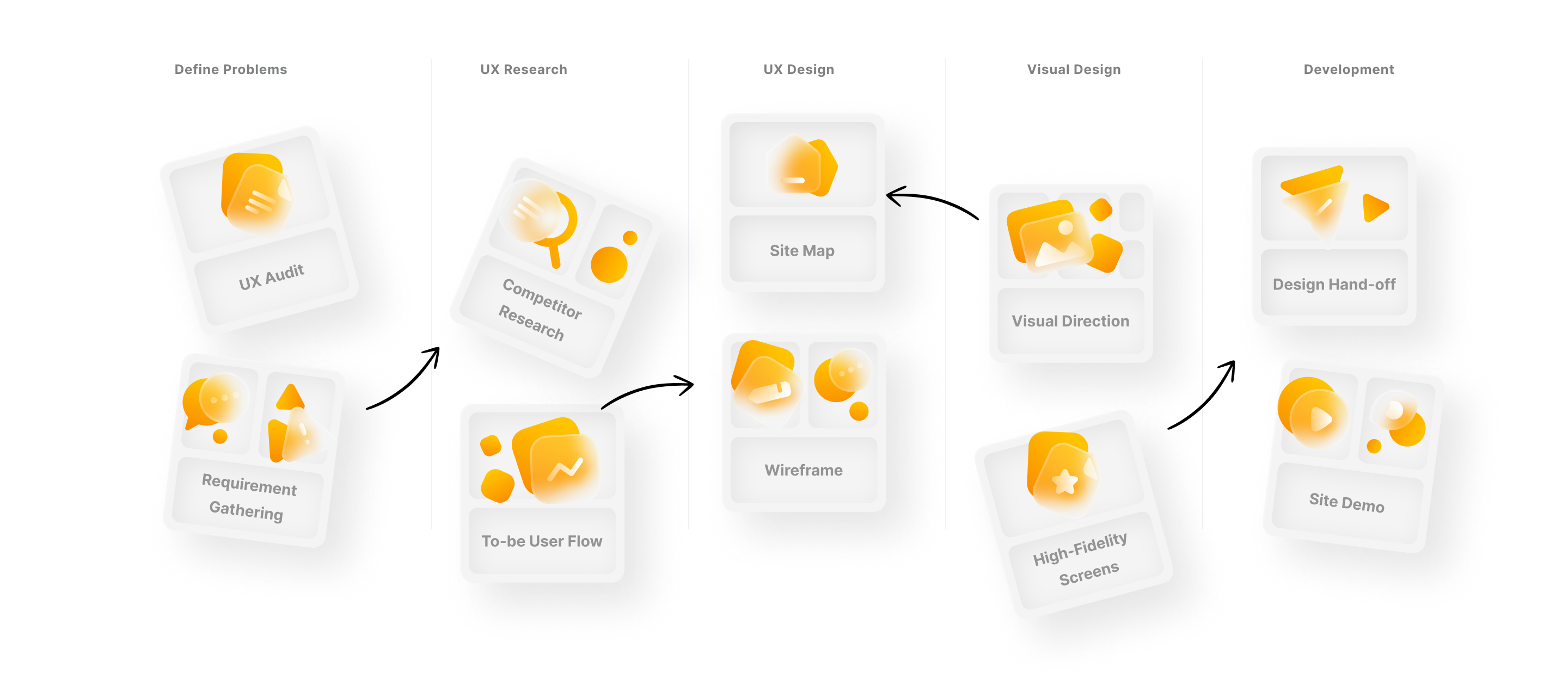
UX Audit
UX Design
Wireframe
Interface Design

client

ToGoBOX, USA

role

UX/UI Designer
ToGoBOX is the USA-based food catering start-up. In responding to desktop dining culture, the company provides individualized and on-site lunch delivery to business by partnering with top and local restaurants, discouraging its users to suffer from accumulating delivery fee and unreliable delivery time.

challenge

Having it’s own site established long time ago, ToGoBOX would like to revamp the site experience and re-invision it’s interface. Within a small team of designer, developer, and project manager, I redesigned the existing website structure to improve user flow as well as freshen the interface of the site to better tells communicate brand and business stories.

Solution

The Virtual Foodcourt is the core idea of the brand. Such key concept has been elaborated further throughout the usage of website assets and interaction. As a result, the new ToGoBOX site does not only offer a better browsing experience, but also allow the website to tell it's own story through it's visual interface.

research

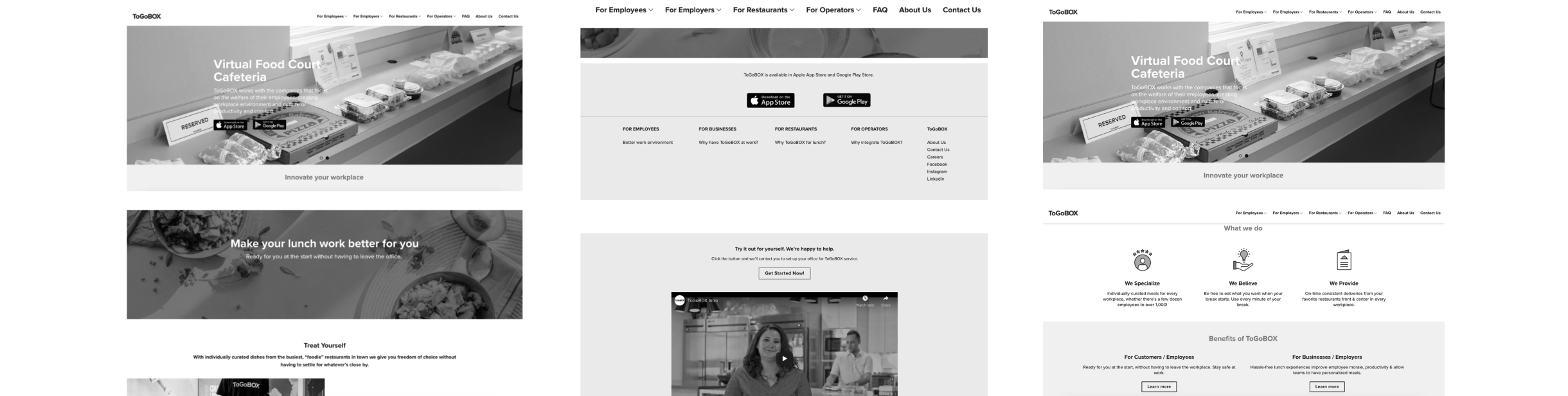
Evaluates Issues on the Existing Site

Initial Research was undertaken to identify design gaps and usability issues the users may face when using the existing platform. Such challenges are then turned into an opportunity to improve the user experience of the new site.

usability issues
01

Content Hierarchy

The content structure on the landing page is cluttered and repetitive.

The site has no clear content hierarchy.

02

Visual Language

Disconnected look&feel of the website from food-tech industry.

The site is content-heavy which the users may face difficulties to digest them.

03

Site Navigation

Confusing menu grouping may overwhelm users and affect ease of navigation.

04

FAQ Page

Cluttered content on FAQ may confuse users and make it is hard to find what they want.

05

Others

The site has no ROI Calculator for Sales to do an initial cost calculation which could ease their decision making.

design

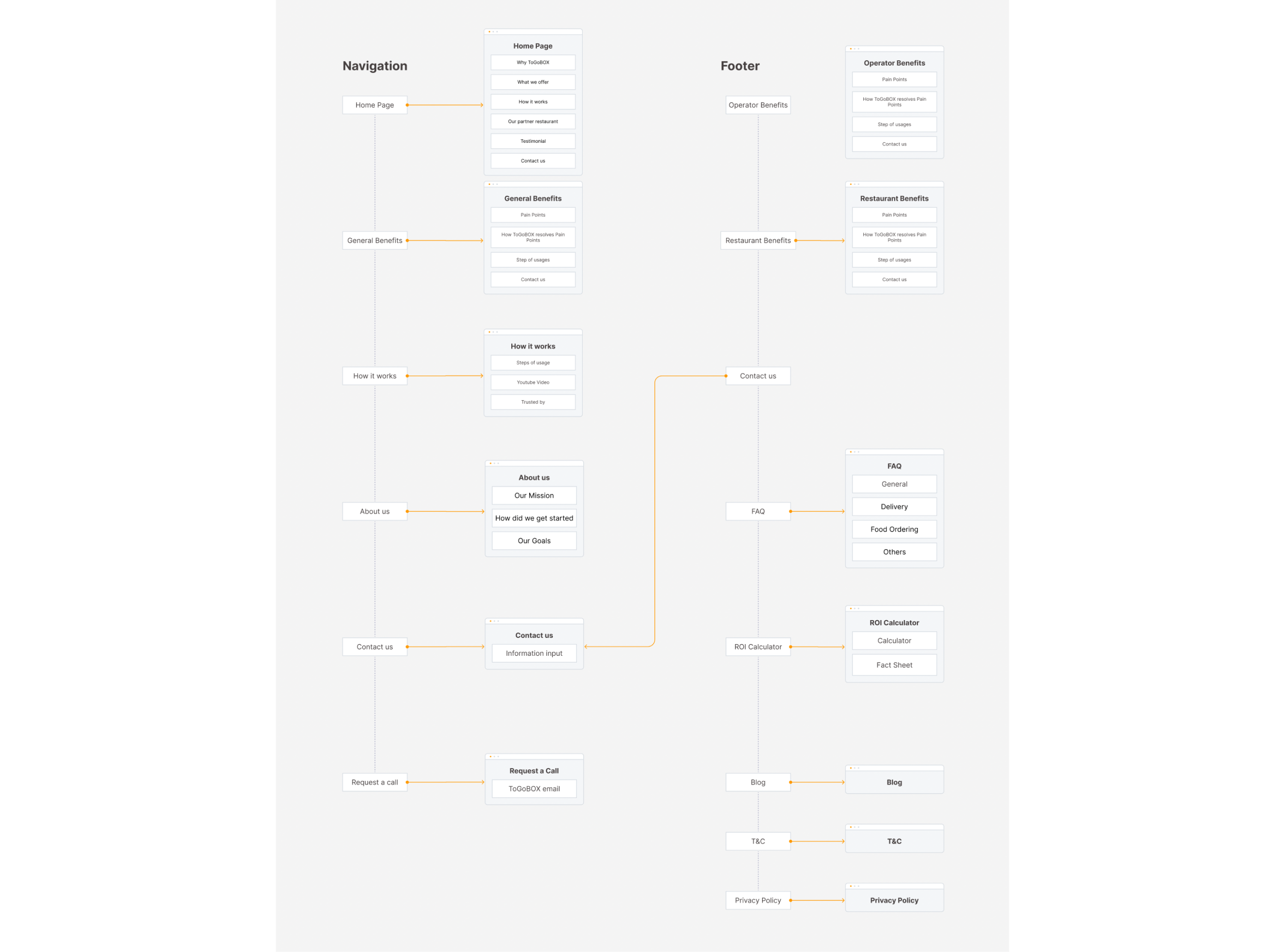
To-be Site Map & Content Structure

After an extensive research has been done, an information structure is established by restructuring some categories to allow the users to easily navigate through the site.

visual design

Telling Narratives through Visual Design & Site Interface

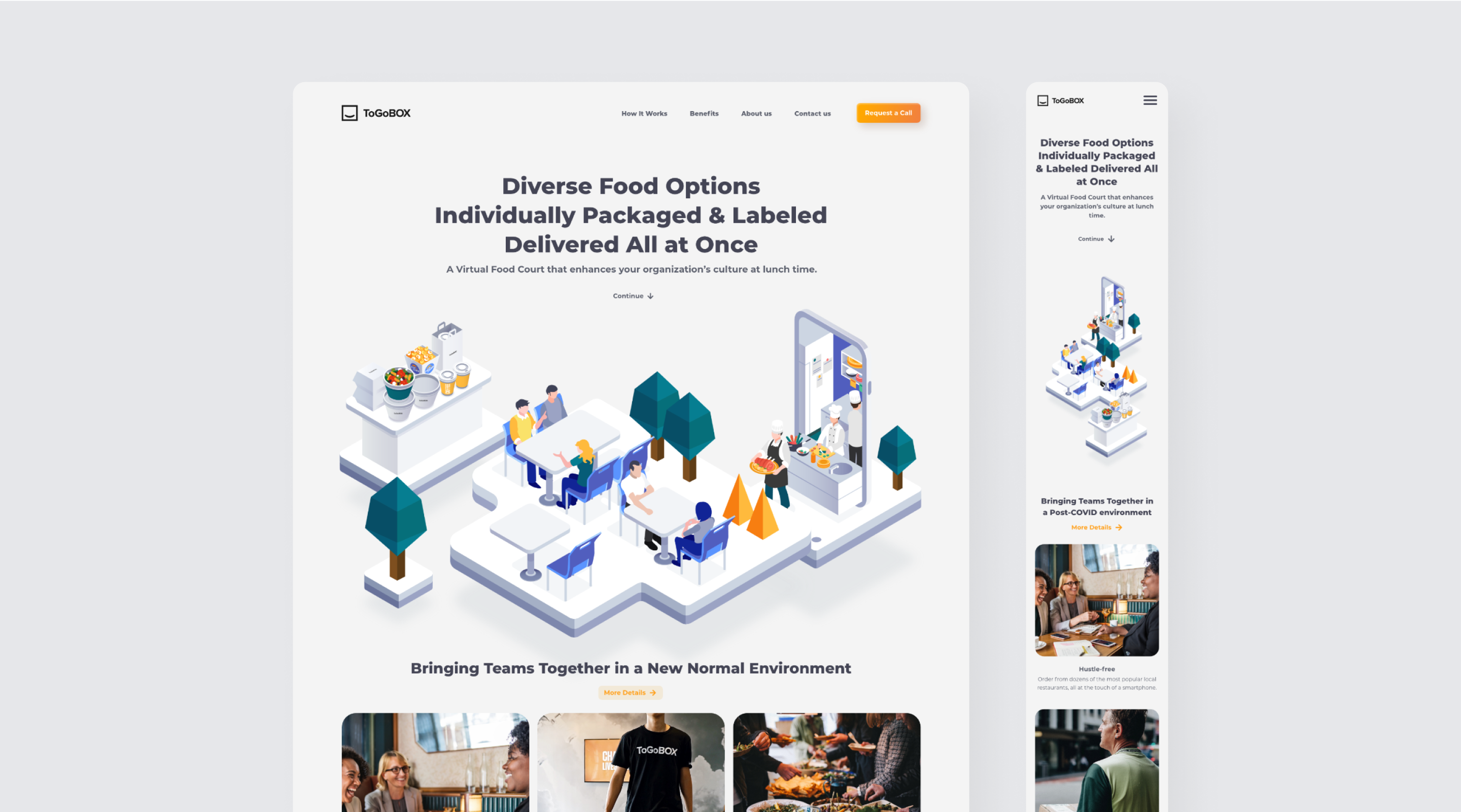
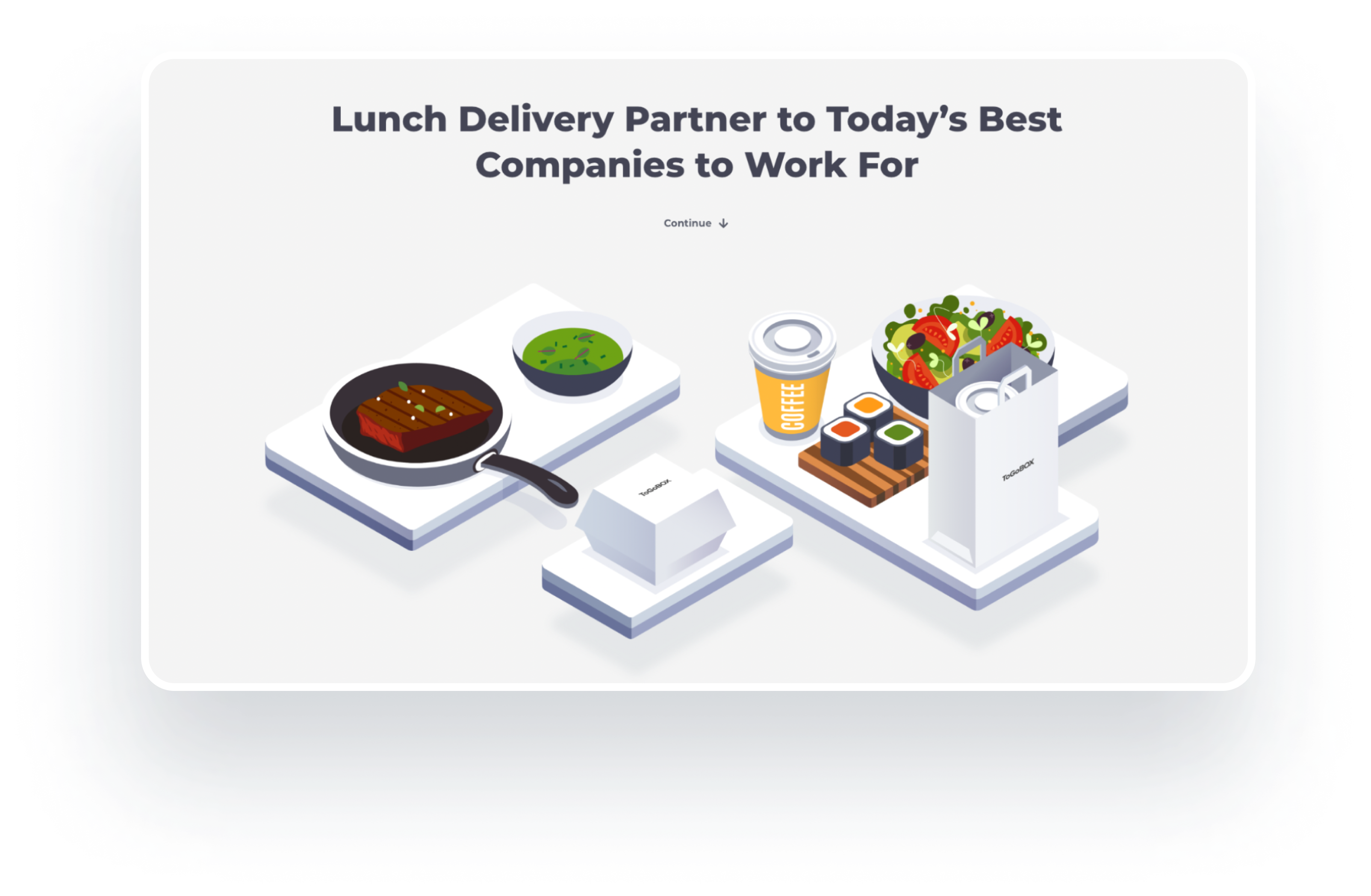
ToGoBOX key visuals are re-created from the real foodcourt space to establish the look of USA food-tech business and connect the gap between physical and digital space.

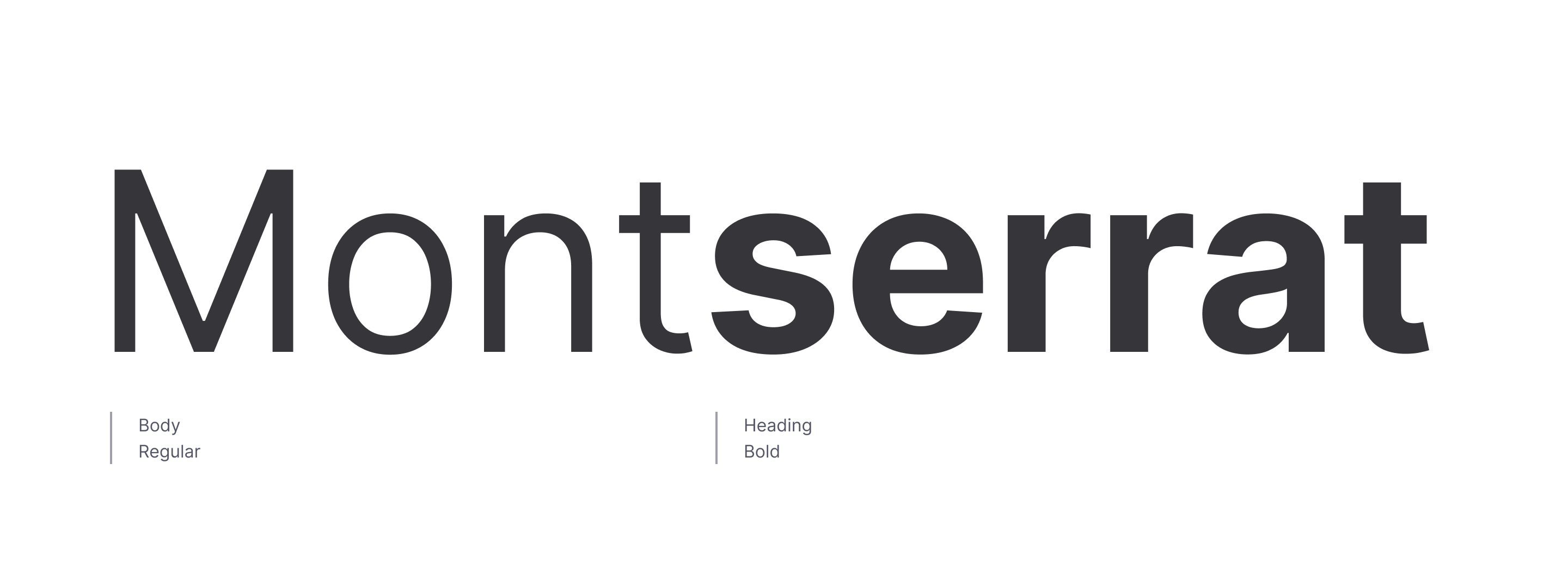
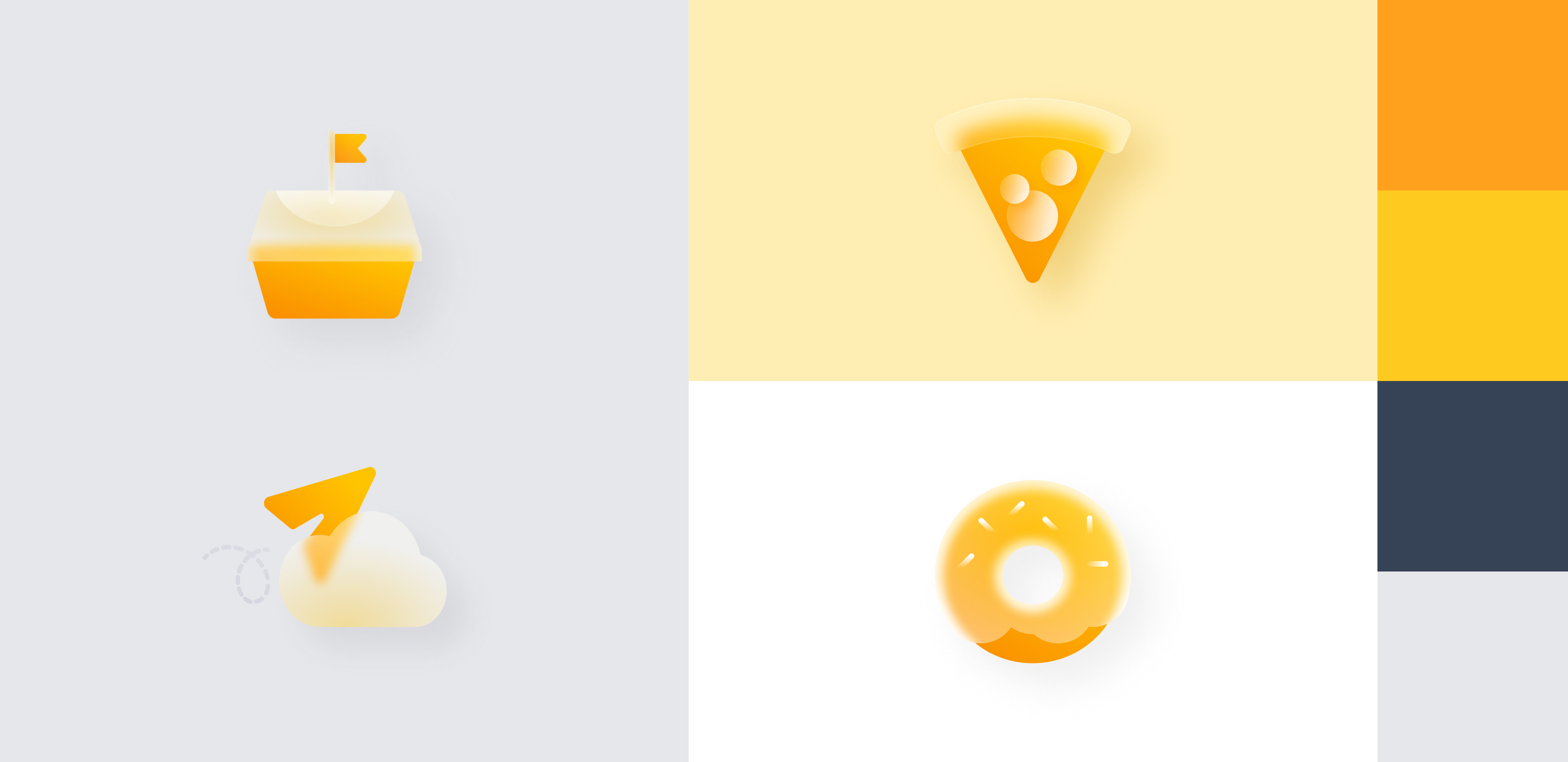
Elements such as modern typeface, glass effect on icons, and food tray, are being used throughout the site to reinforce ToGoBOX concept, allowing a dining space to be reborn in the virtual platform.

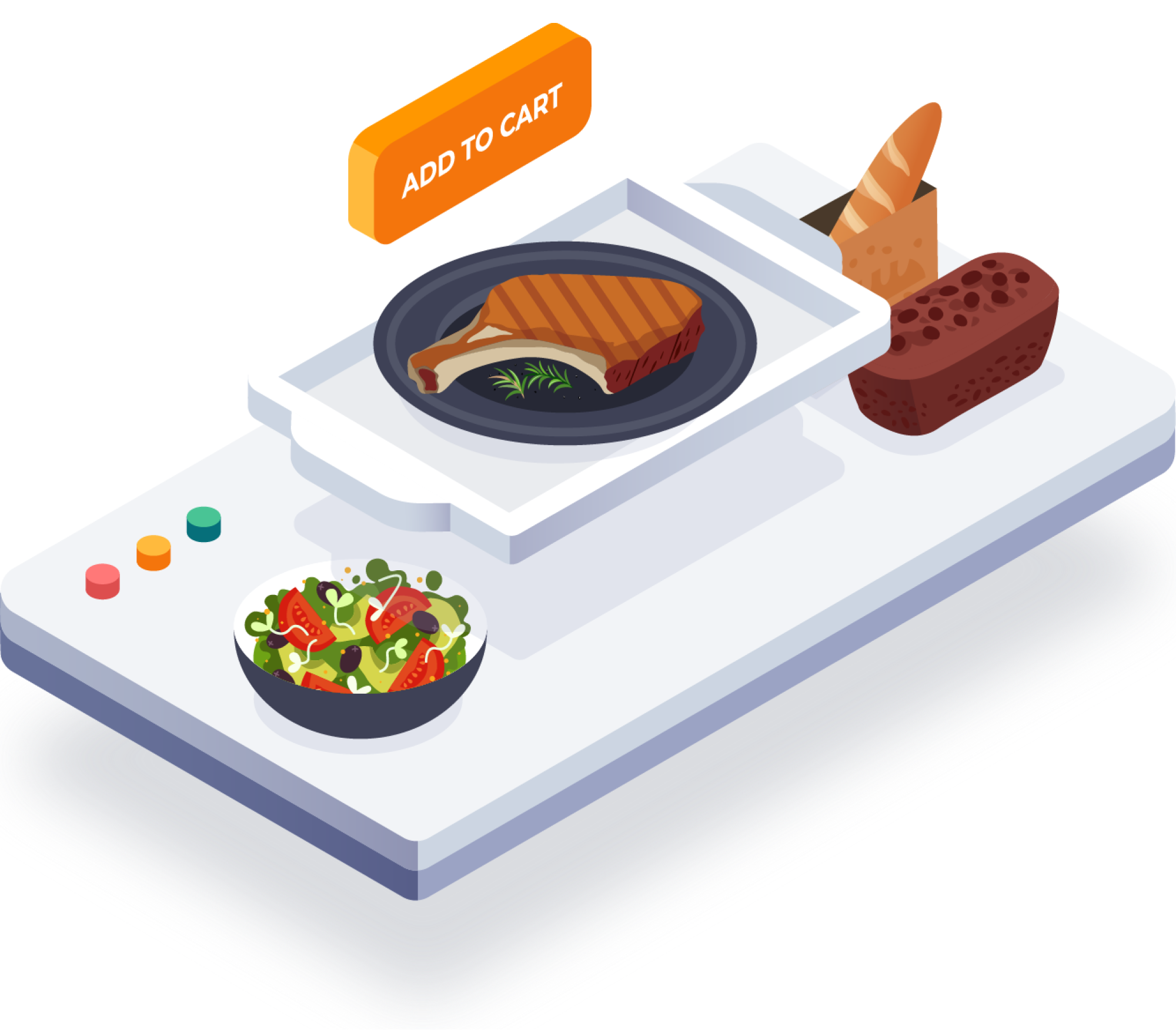
Isometric Illustrations & Icon Set

The elements such as top tags are introduced along with the search bar to resolve the searchability issue arise during UX audit. By using top tags and search, users are navigated directly to the keywords they want to see without a need to manually scan through all the information one by one.

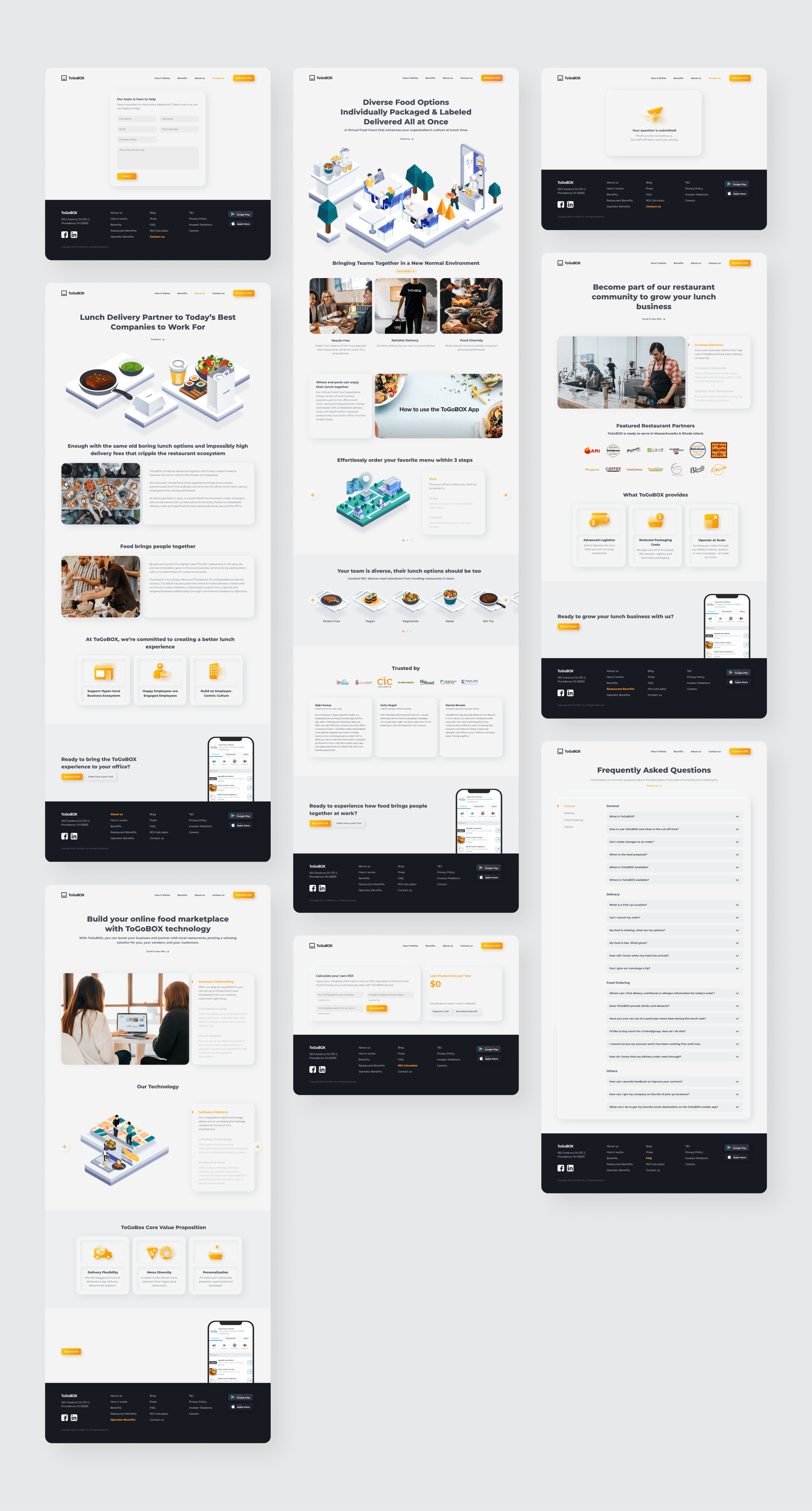
The New ToGoBOX Website

Through multiple design iterations during UX&UI design phases, the final version of website was  concluded and built up upon pain points and UX audits of the existing site.

UX Key Improvement 01

The Visual-driven Key Information Pages

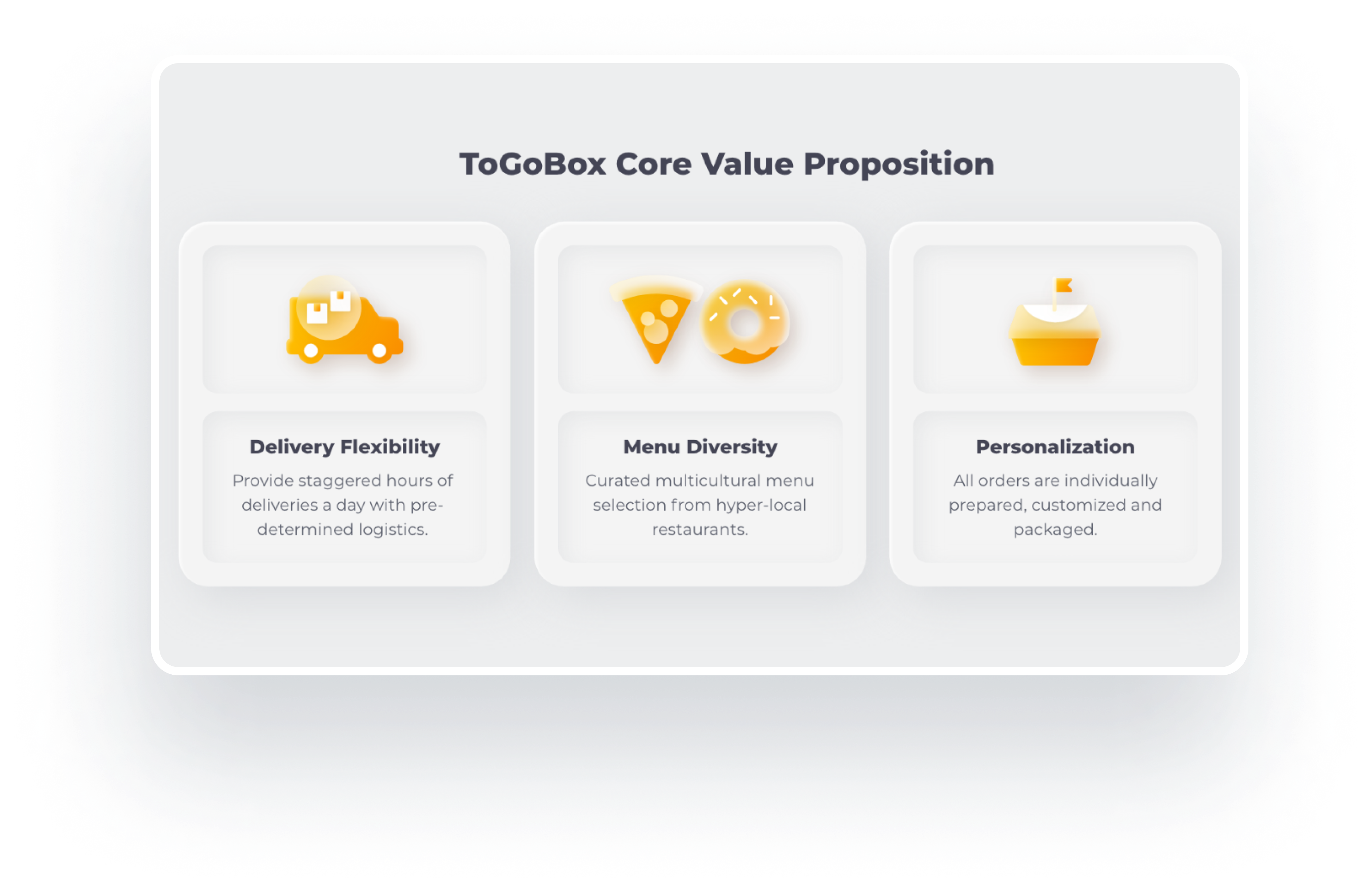
To allow the users to skim through the pages easily, the contents on key information pages are reorganized and re-grouped while keeping them short and concise.

Additionally, ToGoBOX Illustrations and icons are implemented into the site to provide visual cues to the users, making the content easier to digest and more user-friendly.

UX Key Improvement 02

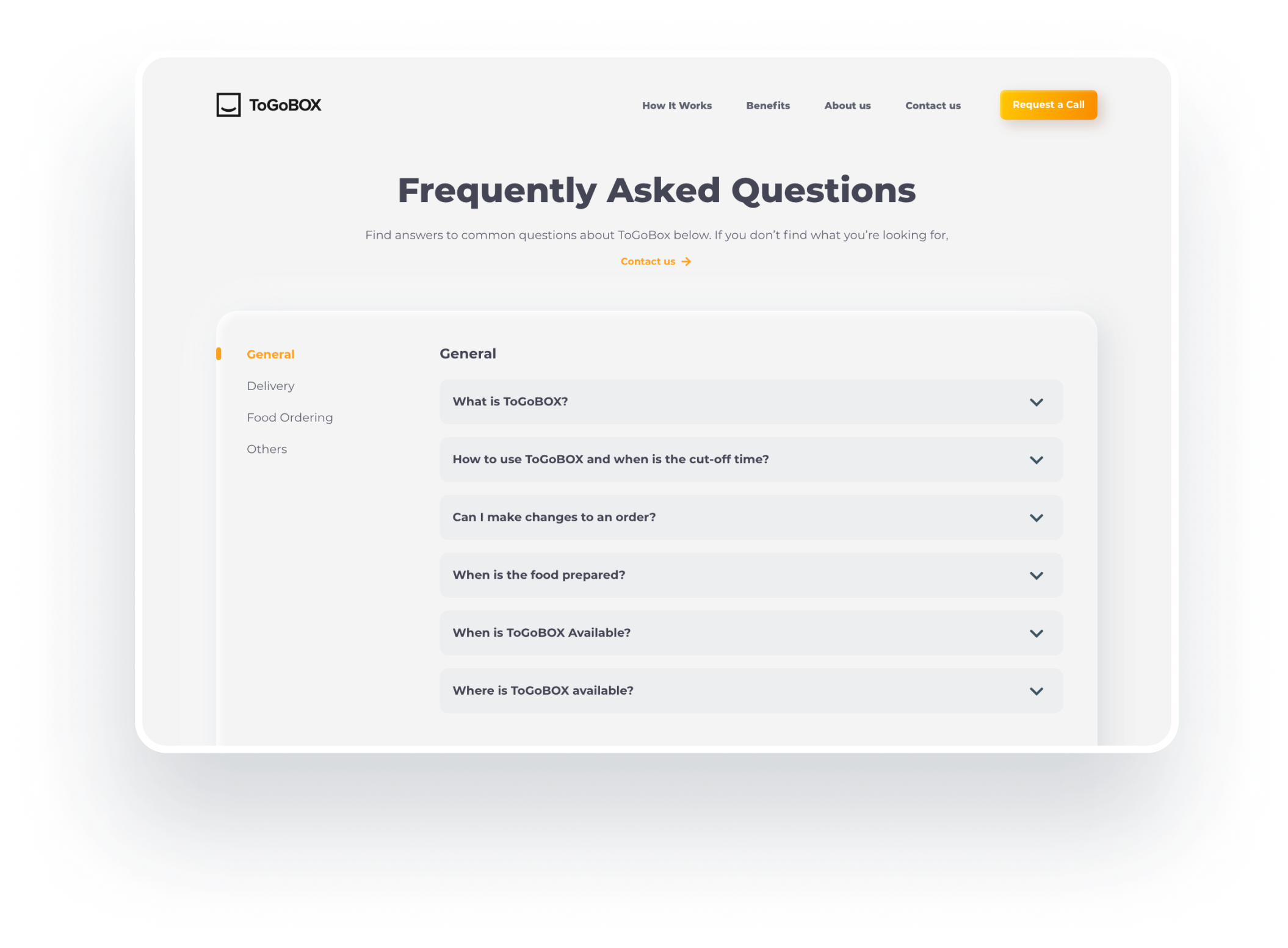
Improve Accessibility on FAQ Page

For the users to easily find the questions they want, the contents on FAQ page are introduced in the new groups.

Additionally, Progressive Disclosure is introduced via Accordion component to further reduce cognitive loads of the users.

The page also features Section Anchoring mechanism makes it easier for the users to navigate through each content group.

UX Key Improvement 03

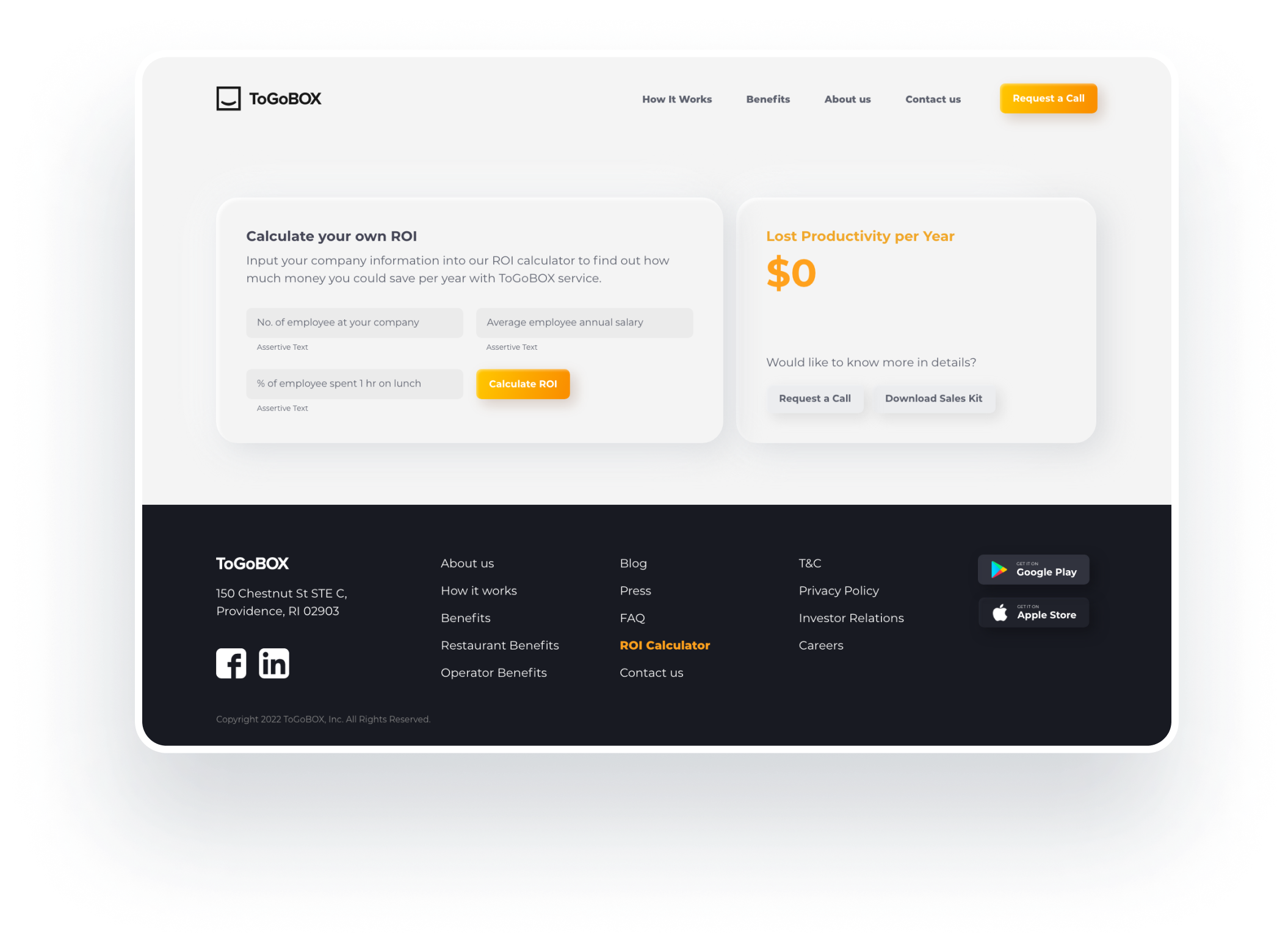
Aid Decision Making Process by Introducing ROI Calculator

ROI Calculator allows the potential customers to calculate an initial cost without the need to contact ToGoBOX staffs via email or call.

This feature is not only simplifies HR process and drives their decision, but also reduces unnecessary calls of ToGoBOX staff, helping both parties to be more efficient.